

Plan a meeting in the calendar app you already use. With CalDAV scheduling, fruux handles invitations and responses between compatible calendar applications.
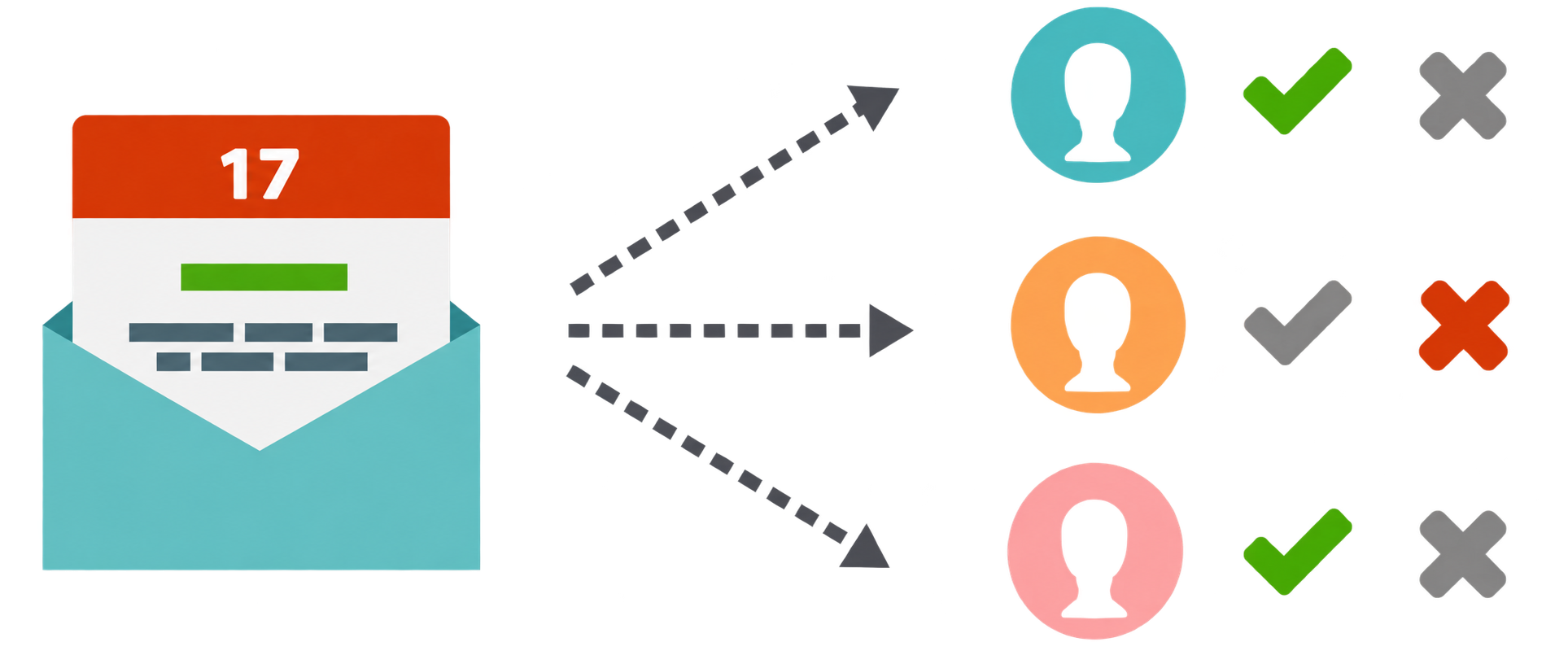
Create an event in a fruux calendar, add the people you want to invite and send it from a calendar application that supports CalDAV scheduling. Include the time, place and other details your attendees need.
In compatible applications, attendees can accept, decline or reply tentatively. Their responses update the invitation, so you can check attendance in your calendar.
When both people use fruux with scheduling-enabled applications, invitations and replies can arrive directly in their calendars. Email invitations let you include people who use other services.
Invitation controls and response handling vary between calendar applications. CalDAV syncing alone does not mean that an application supports scheduling.
Contacts, calendars and tasks, across your devices.
Find the right account on our pricing page.